

Commit Message Style Guide
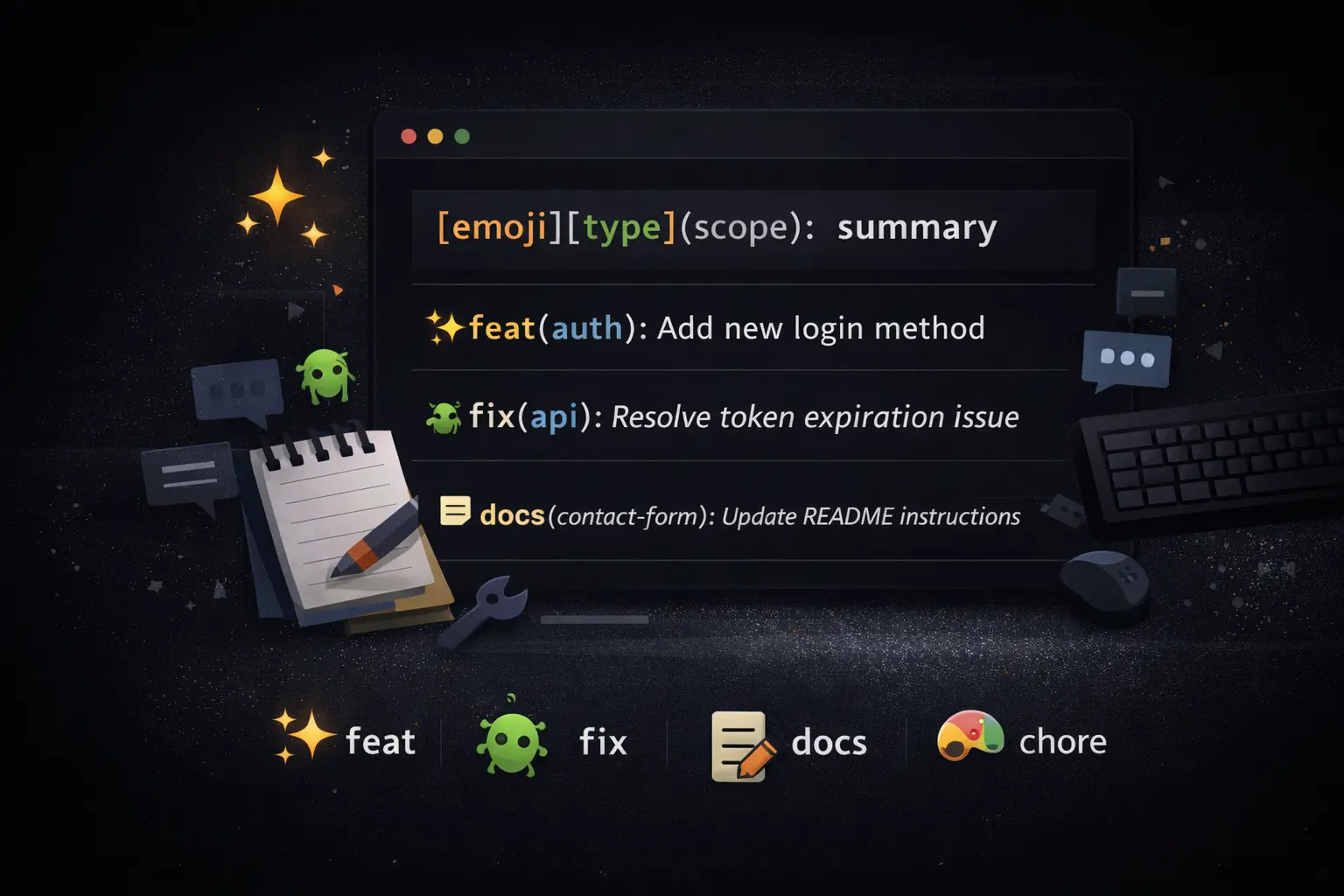
Commit messages are more than just notes—they are a communication tool. By using emojis and a consistent format, teams can quickly understand the purpose of each commit while keeping the history fun and easy to scan.
We follow this pattern for commit messages:
[emoji][type](scope): summary
| Emoji | Type | Tagline | Example |
|---|---|---|---|
| ✨ | feat | Drop something new and shiny | ✨feat(contact-form): Add auto-reply with HTML + text templates |
| 🐛 | fix | Squash bugs like a boss | 🐛fix(auth): Resolve token expiration issue causing login failures |
| 📝 | docs | Make your docs sparkle | 📝docs(api): Add usage examples for public endpoints |
| 🎨 | style | Keep it pretty—no logic changes | 🎨style(ui): Adjust button spacing and update color palette |
| 🔄 | refactor | Revamp code for max vibes | 🔄refactor(database): Streamline query logic for better readability |
| 🧪 | test | Lock in those tests | 🧪test(user): Add unit tests for profile update flow |
| ⚡ | perf | Speed things up—wow factor | ⚡perf(images): Optimize image loading for faster rendering |
| 🤖 | ci | Keep CI humming | 🤖ci(github-actions): Tweak workflow for parallel jobs |
| 🛠️ | build | Solidify your setup | 🛠️build(config): Update webpack settings for production |
| 🚧 | chore | Handle the grunt work | 🚧chore(deps): Bump dependencies to latest stable versions |
| ⏪ | revert | Hit rewind when needed | ⏪revert(auth): Undo faulty commit causing login errors |
This style guide ensures that commit history remains structured and expressive. Each emoji provides instant context, while the type and scope clarify the exact purpose.
0 comments
Sign in to join the conversation. Rest assured, your information is secure. See my privacy policy for more.
No comments yet. Be the first to share your thoughts.